lightmime
Sync Philips Hue lights with your screen on Linux.
lightmime watches what is on your screen and colours the lights of a Hue entertainment area to match it: the left of the picture on the lights to the left of the TV, the top on the lights above it. It talks to the bridge the way Hue Sync does, over the Entertainment API, so the lights follow the picture with low latency.
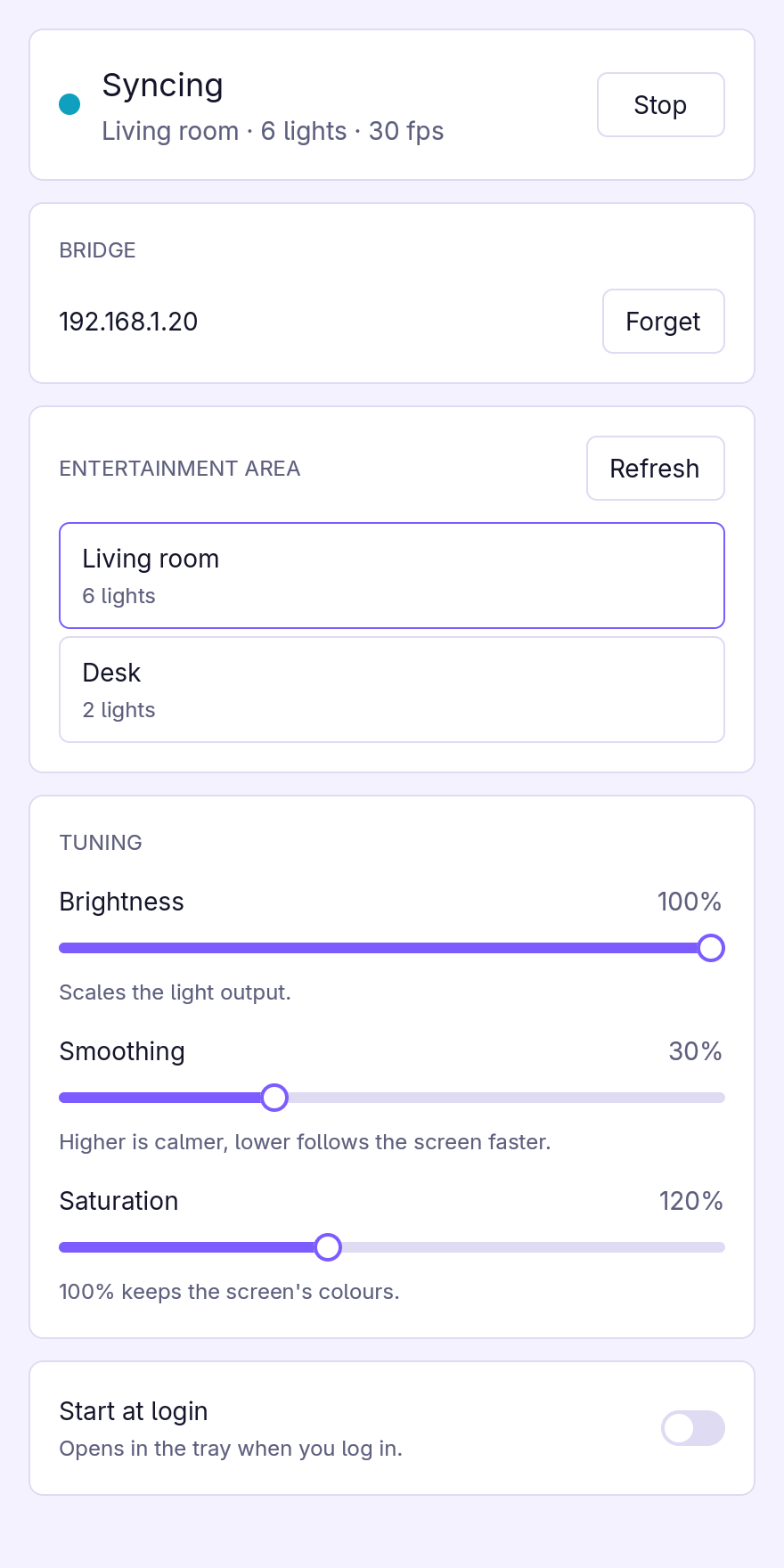
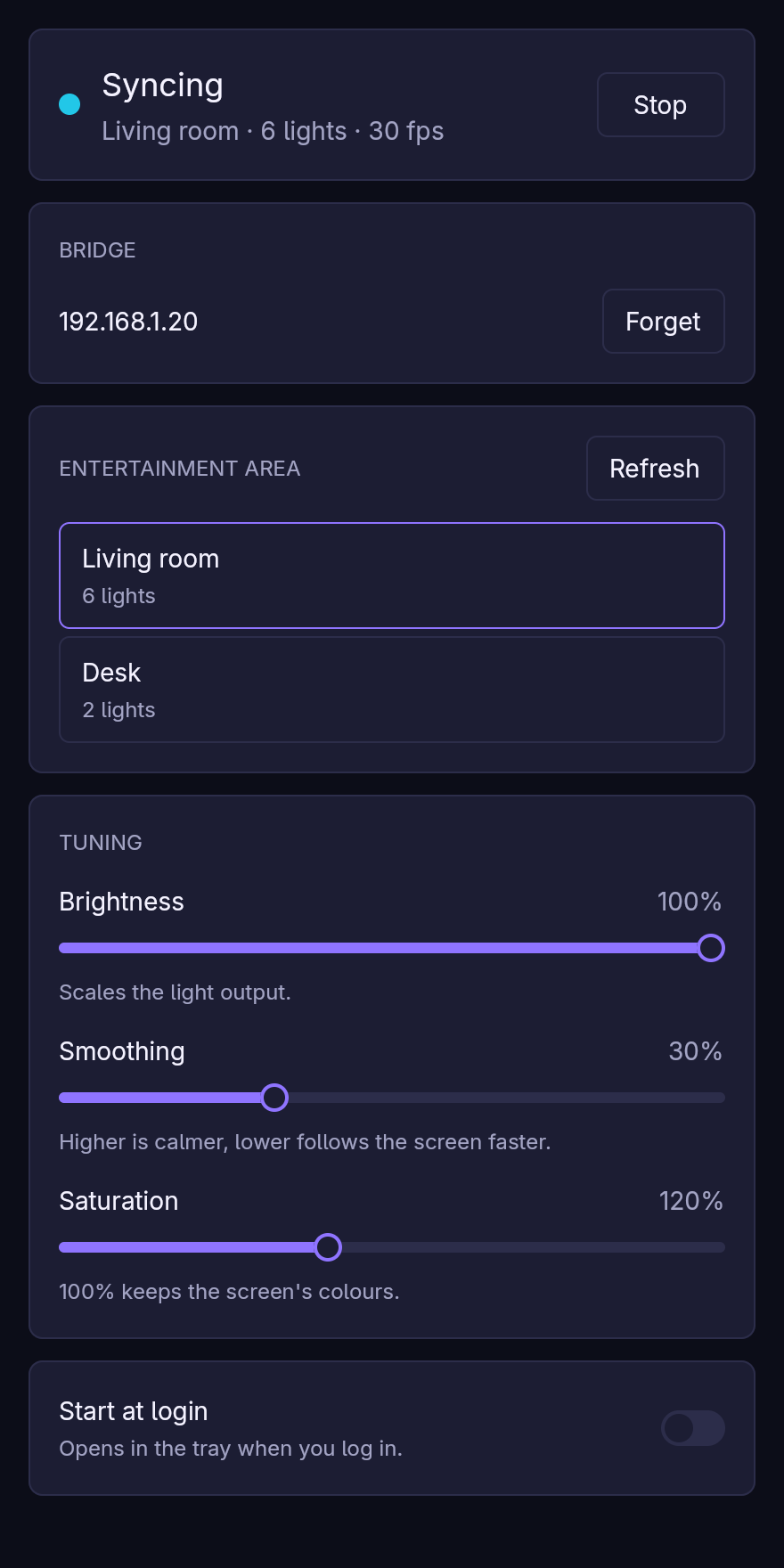
- A small window and a tray icon. Pair with the bridge, pick an entertainment area and start syncing; tune brightness, smoothing and saturation while it runs. The tray starts and stops syncing without opening anything.
- Made for Wayland. Screen capture goes through the desktop’s screen-cast portal and PipeWire, so it works on KDE Plasma, GNOME and wlroots compositors. You choose the screen once; lightmime remembers it.
- Headless if you like.
lightmime runsyncs without a window, for example as a systemd user service. - Home Assistant, optionally. Turn on MQTT and lightmime appears as a device with a sync switch, a status sensor and sliders, so a dashboard or an automation can start it. Without MQTT it never talks to anything but your bridge.
- Light on resources. Syncing at 30 fps takes about 1 % of one CPU core and 36 MB of memory; see Compared with other tools.
lightmime runs on Linux. Wayland is the main target; an X11 session works too, as long as its portal offers screen casting.
Start with the Quickstart.
What you need
- A Hue bridge (the square, second-generation one) with an entertainment area set up in the Hue app.
- A Linux desktop with PipeWire and
xdg-desktop-portalwith a backend that offers screen casting (xdg-desktop-portal-kde,-gnome,-wlr,-hyprlandand others). Most current desktops have both.
Licence
lightmime is free software, dual-licensed under MIT or Apache-2.0. It is not affiliated with Signify or Philips Hue.